One delivery, three versions
- ScheduleDrywall · Tue · 220 sheets
- ProcoreDrywall delivery · Wed
- Email“drywall 200 tomorrow?”
Which one is right?

Intent becomes structure
Tabnii is a connective layer over the systems you already run, so information moves between office, field and every app in between.
“Harbor Point: open RFIs, the crane booking and this week’s deliveries. And level 2 inspections at Riverside.”
Tabnii works over the tools your teams already run
Estimating, scheduling, project management, accounting and field apps each know something. People fill the gaps between them by hand.
Which one is right?

Four calls to confirm a crane time.
Tabnii sits over the tools you already run and carries information across them. People stay in control: the Layer surfaces and connects, your team decides.
Talk to Tabnii the way you’d brief your project engineer. It turns the request into tasks and runs them one at a time.
“Log the drywall delivery for Harbor Point. 220 sheets at gate 2, two damaged.”
Needs your OK
Log today’s drywall delivery for Harbor Point?
Procore › Harbor Point › Daily log
Saving to Procore…
Say yes or tap
Done
Shows in Procore as Jamie Reyes · via Tabnii
Open in Procore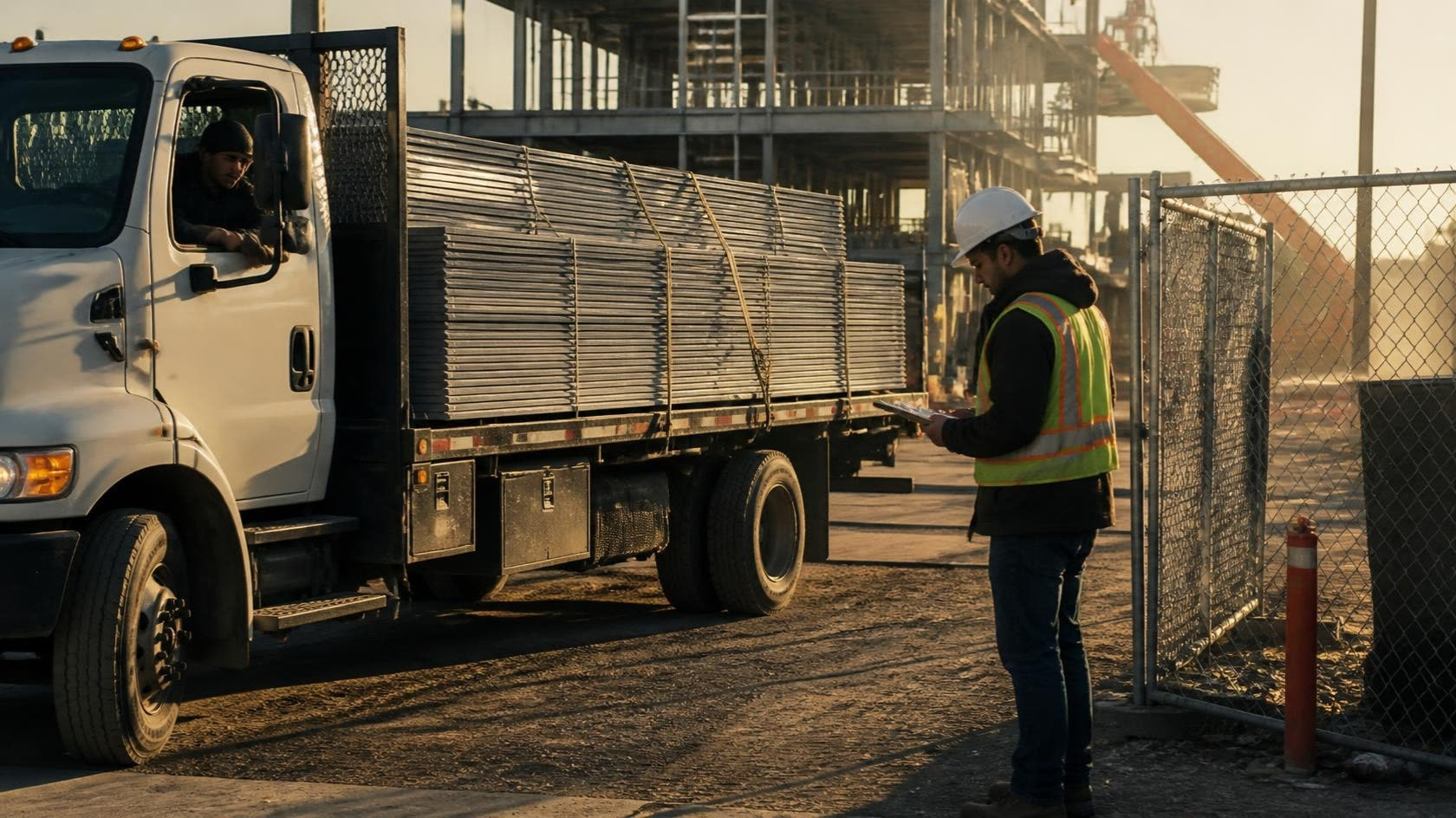
Working, next and queued, in the order you asked. Nothing runs behind your back.
Hold the button to log a site walk or an owner meeting. Tabnii sorts what was said into specs, decisions, questions and actions. Nothing is saved until you check it.
What Tabnii does, what it doesn’t, and how the beta works.
No. Tabnii works over the tools you already run. Nothing gets ripped out, and nobody has to learn a new system.
No. Your records stay where they are. Tabnii reads from and writes to the systems you already use.
No. Reads run on their own. Anything that writes to a record waits for your yes, and each change comes back with a receipt that says what happened and where.
The beta starts with Procore and Home Depot. More systems follow as we learn from the teams in the beta.
Yes. There’s a phone app for the field and a small bar on Windows for the office. On Windows, press Ctrl+Shift+Space and ask.
Apply for the beta. We’re selecting a small group of construction teams to shape Tabnii before launch.

Ask the way you’d ask a colleague. The answer comes back in plain words, with where it came from.
Field walk · Riverside
“Riverside: what did the inspector say about level 2?”
Passed with two notes. Both are in Procore, under Inspections.
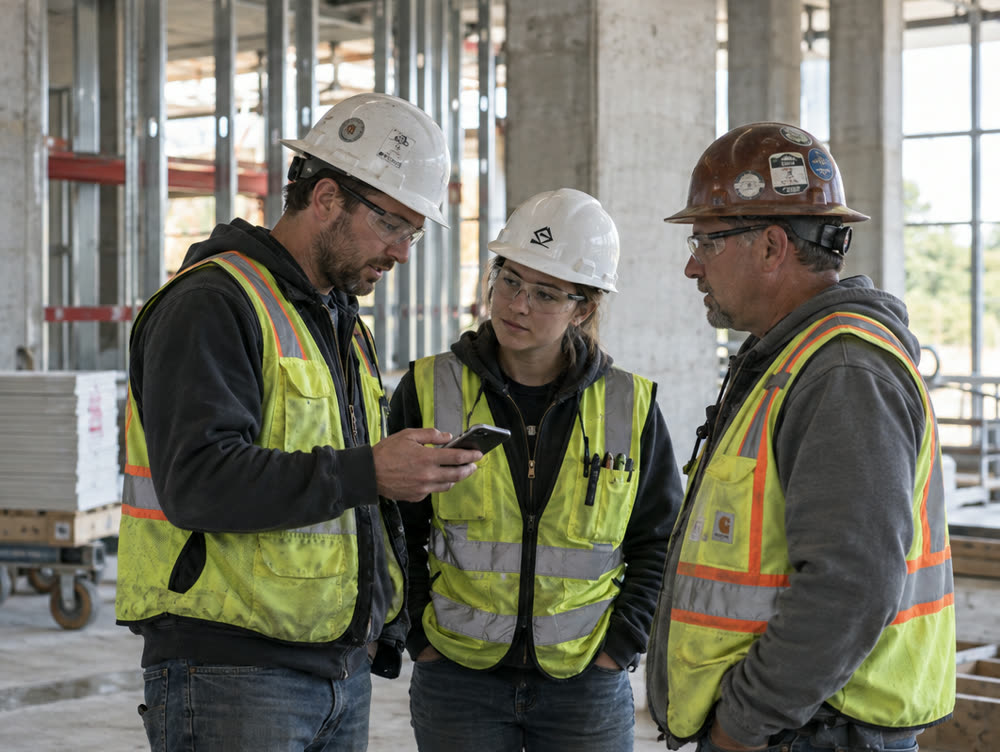
Tap the button and ask. The answer comes back on your phone, with where it came from.

A small bar on Windows. Press Ctrl+Shift+Space and ask without leaving the app you’re in.

Listen & Log keeps the notes while you talk, and asks before it saves anything.
We’re selecting a small group of construction teams to shape Tabnii before launch.
Done